A fishing GPS losing position how to troubleshoot problem can quickly ruin a day on the water. Whether you fish coastal areas, lakes, or rivers across the United States, a reliable GPS helps you return to productive spots and navigate safely.
After years of working with marine electronics, I have found that most GPS position issues come from simple causes. Loose wiring, blocked satellite signals, outdated software, and incorrect settings are common problems that anglers can often fix without professional service.

Common Reasons Your Fishing GPS Loses Position
Understanding why your GPS loses position is the first step in fixing it. A fishing GPS losing position how to troubleshoot process starts by checking the most common causes before making advanced changes.
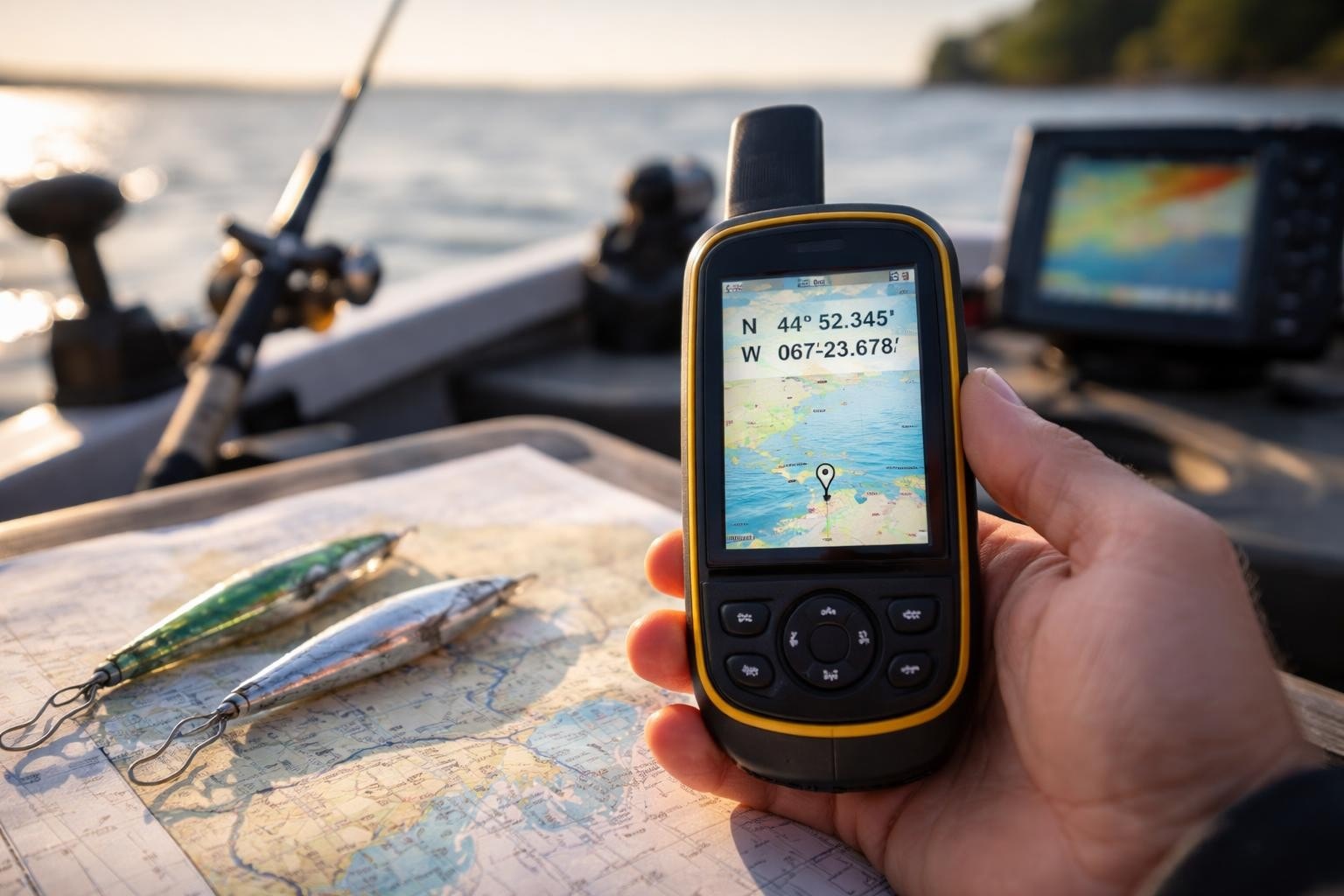
Marine GPS units depend on satellite signals, a working antenna, stable power, and correct software. If one part fails, your boat icon may jump, freeze, or show an incorrect location.
- ✦ Weak satellite signal
Tall trees, cliffs, buildings, boat covers, and poor antenna placement can block GPS signals.
- ✦ Power problems
Low voltage or loose connections can cause the GPS receiver to restart or lose stored position data.
- ✦ Software errors
Old firmware can create navigation bugs and reduce GPS accuracy.
How Satellite Signal Affects GPS Accuracy
Your fishing GPS needs signals from multiple satellites to calculate your location. When the signal becomes weak, the unit may display delayed movement or place your boat in the wrong area.
Check the GPS Antenna and Satellite Connection
The antenna is one of the first parts to inspect when learning fishing GPS losing position how to troubleshoot. A damaged or poorly placed antenna can prevent your unit from receiving strong satellite signals.
Make sure the antenna has a clear view of the sky. Avoid mounting it near large metal objects, radar equipment, or areas that block the signal path.

- ✦ Inspect antenna connections
Check that antenna cables are fully connected and free from corrosion or damage.
- ✦ Test in open water
Move away from docks or structures and see if GPS accuracy improves.
Signs of a GPS Antenna Problem
A slow satellite lock, frequent position jumps, and missing location data often point to antenna issues. Testing with a known working antenna can confirm the problem.
Inspect Power Supply and Wiring Problems
Many anglers focus on satellite signals but overlook power issues. A fishing GPS losing position how to troubleshoot guide should always include checking the boat battery and wiring.
Marine electronics need steady power. Corroded terminals, weak batteries, and damaged cables can cause sudden GPS resets or inaccurate readings.

- ✦ Check battery voltage
A weak marine battery may not provide stable power during startup or heavy electronics use.
- ✦ Clean electrical connections
Remove corrosion and secure loose connections to improve reliability.
Why Power Loss Can Reset GPS Position
When a GPS unit loses power, it may restart before saving recent navigation data. This can make it appear that the unit lost its position.
Update Software and Reset GPS Settings
Software updates often fix navigation problems that appear over time. When researching fishing GPS losing position how to troubleshoot, updating firmware is one of the easiest steps to try.
Before resetting settings, save important waypoints and routes. A factory reset can remove saved locations if you do not back them up first.

- ✦ Install firmware updates
Use the manufacturer’s update process to improve GPS performance and fix known errors.
- ✦ Review GPS settings
Confirm the correct chart, location format, and navigation mode are selected.
When a Factory Reset Helps
A reset can solve unusual software behavior after updates or configuration changes. It should be used after basic troubleshooting steps fail.
Fix GPS Position Errors Caused by Installation Issues
Incorrect installation can create long-term GPS accuracy problems. A fishing GPS losing position how to troubleshoot approach should include reviewing where and how the unit was mounted.
The best location for a GPS antenna is usually a high area with a clear sky view. Poor mounting can reduce signal quality even when the equipment works correctly.

- ✦ Avoid signal blockage
Keep antennas away from structures that interrupt satellite communication.
- ✦ Secure mounting hardware
Loose mounts can create movement that affects GPS readings.
Professional Installation Checks
If problems continue after basic fixes, a marine electronics technician can test antenna performance and wiring quality.
Prevent Future Fishing GPS Position Problems
Prevention is easier than emergency repairs on the water. A regular maintenance routine reduces the chance of fishing GPS losing position how to troubleshoot issues during a trip.
Before each fishing season, inspect cables, update software, and test navigation equipment. These small steps protect your investment and improve safety.

- ✦ Clean connections regularly
Remove salt, dirt, and moisture from connectors to prevent corrosion.
- ✦ Backup waypoints
Save important fishing locations so they are protected if the unit resets.
Simple Pre-Trip GPS Checklist
Turn on the GPS before leaving the dock and confirm satellite lock. Check that your position matches your actual location.
Frequently Asked Questions about fishing GPS losing position how to troubleshoot

fishingscouty
Contributor